REC / Cameras / Camcorder / VHS-C
Camcorder · VHS-C camcorder look

VHS-C
Compact tape for '90s handycams
The same tape in a smaller, newer deck: cleaner and a little greener than its full-size parent, and it holds contrast better.
Based on The compact VHS-C cassette that went into the smaller handycams of the 1990s.
- Frame rate
- 30 fps
- Resolution
- 55%
- Frame
- 4:3
- Sound
- Mono tape
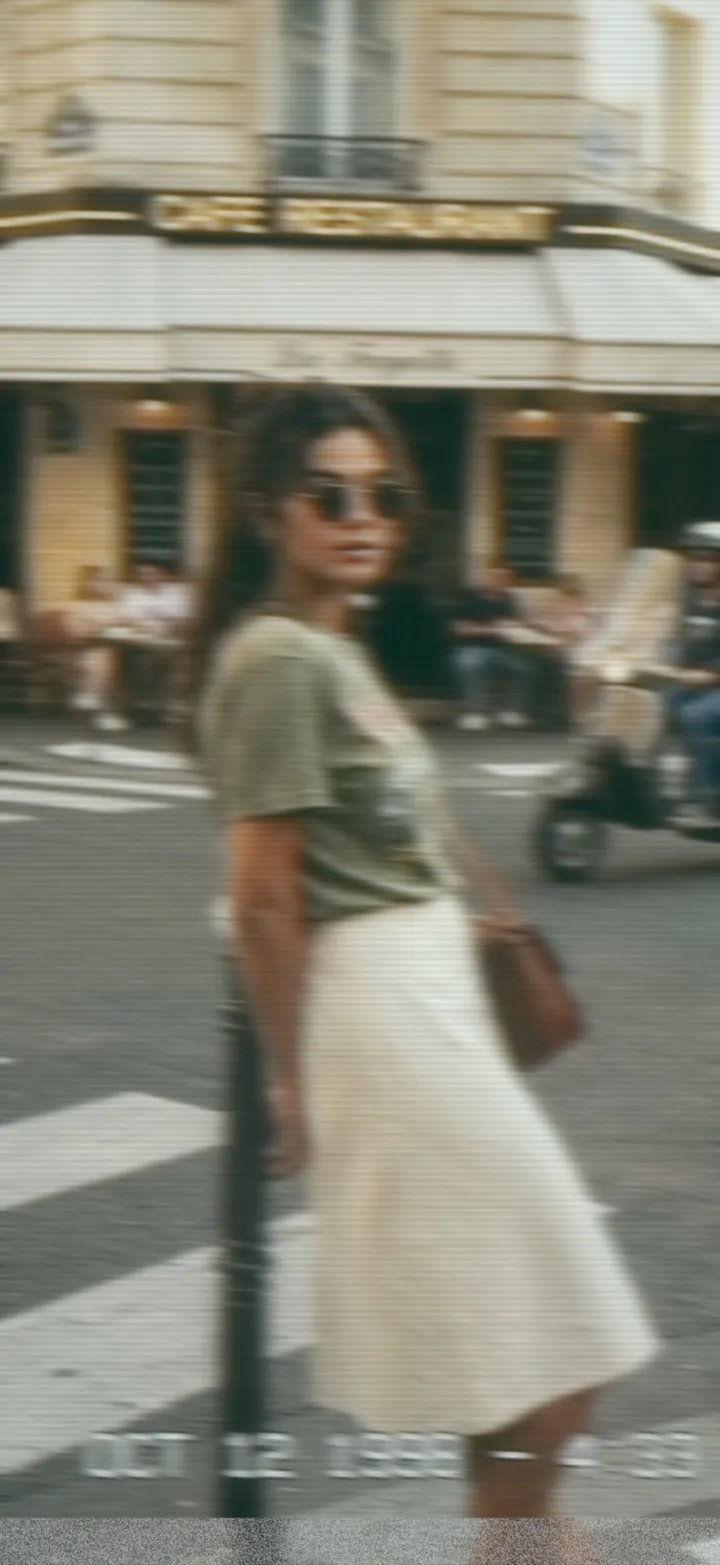
A frame developed through VHS-C in REC, with its HUD.
The picture
- Slightly sharper than VHS, still well under full resolution
- Chroma bleed and tracking slips, both gentler
- A cooler, greener cast instead of VHS magenta
- The head-switch tear along the bottom
The sound
Mono, 100 Hz to 9.5 kHz, a little less hiss than VHS and a transport that held speed better.
- Band
- 100 Hz – 9.5 kHz
- Hiss
- 26%
- Wow · flutter
- ±7 · ±4 c
The display
A blinking red dot and REC, "EP 30" top right, a three-cell battery and a running tape counter, in seven-segment LCD digits.
VHS-C in REC: questions
How do I get the VHS-C look on iPhone video?
Open REC, pick VHS-C from the camera strip and press record. The look runs live in the viewfinder, so what you frame is what you get. You can also import a video you already shot and develop it through VHS-C.
Does the VHS-C camera change the sound?
Yes. Mono, 100 Hz to 9.5 kHz, a little less hiss than VHS and a transport that held speed better.
Is VHS-C free in REC?
Every camera, VHS-C included, is in the free download, and your first take is free. Unlimited takes need REC Pro ($9.99 a year or $2.99 a week, US prices).
Guides
VHS vs Hi8 vs MiniDV: what each tape actually looked like How to get a real VHS look on iPhone video The best VHS camcorder apps for iPhone in 2026