
Free VHS camcorder overlays
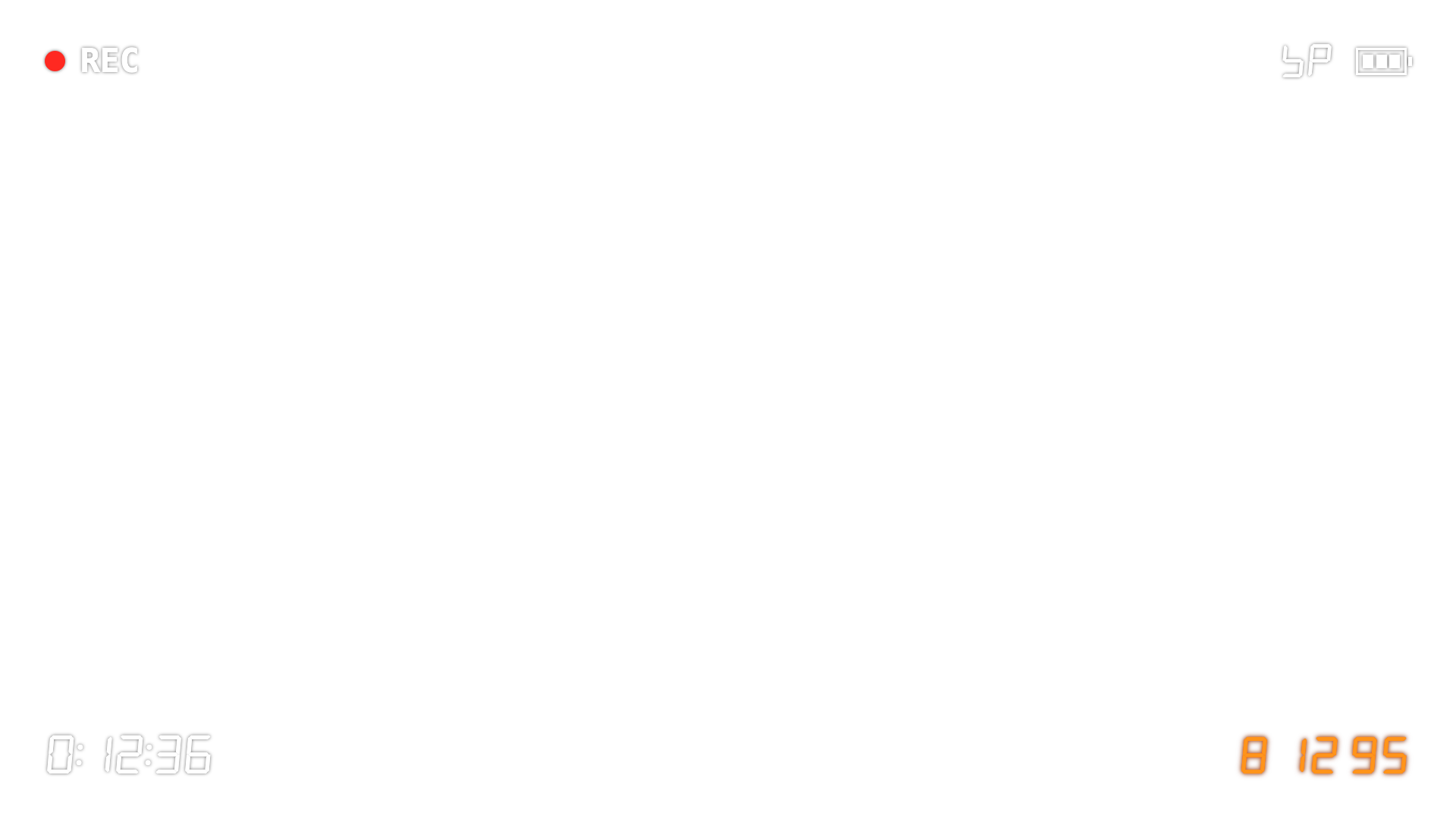
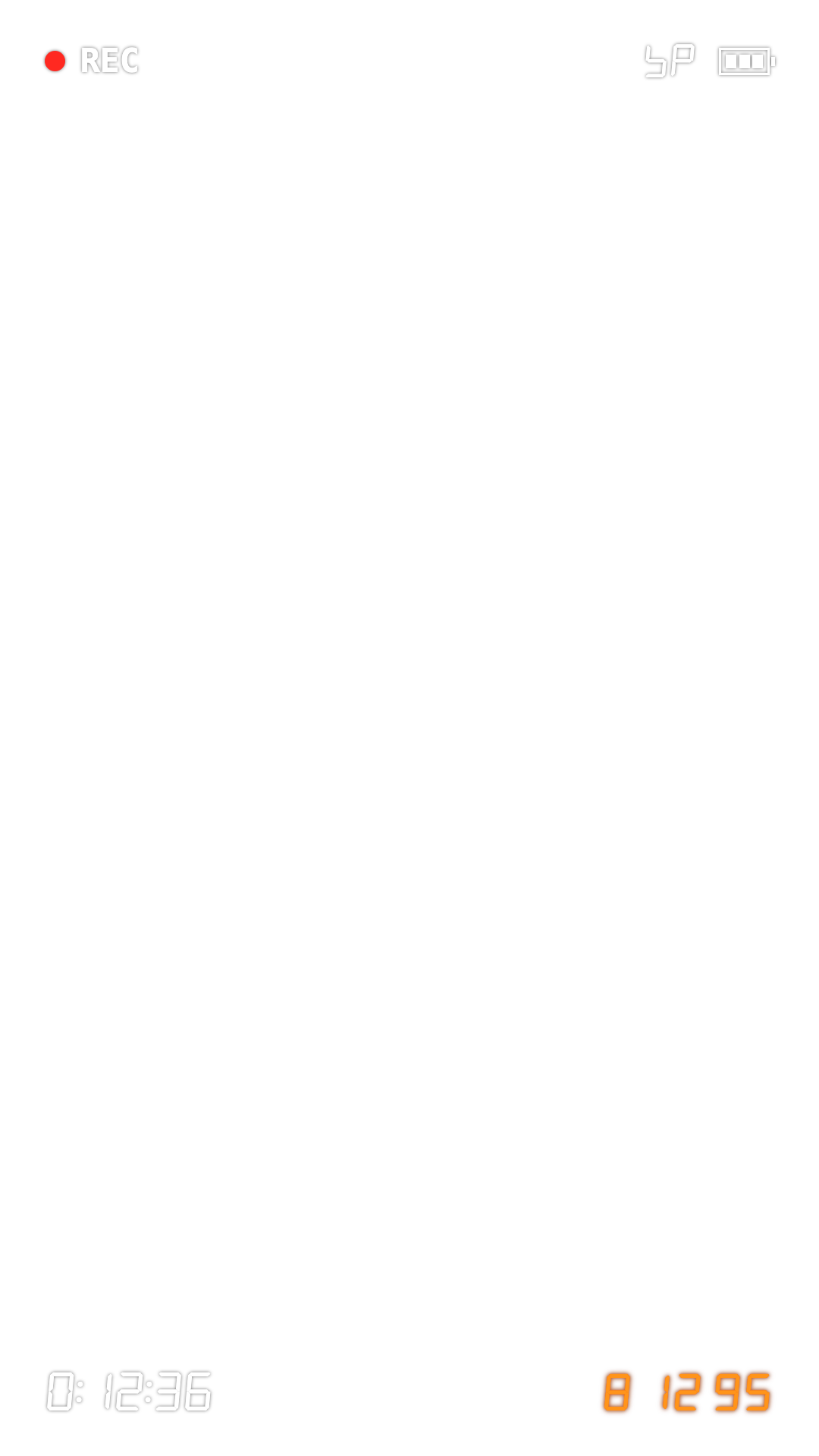
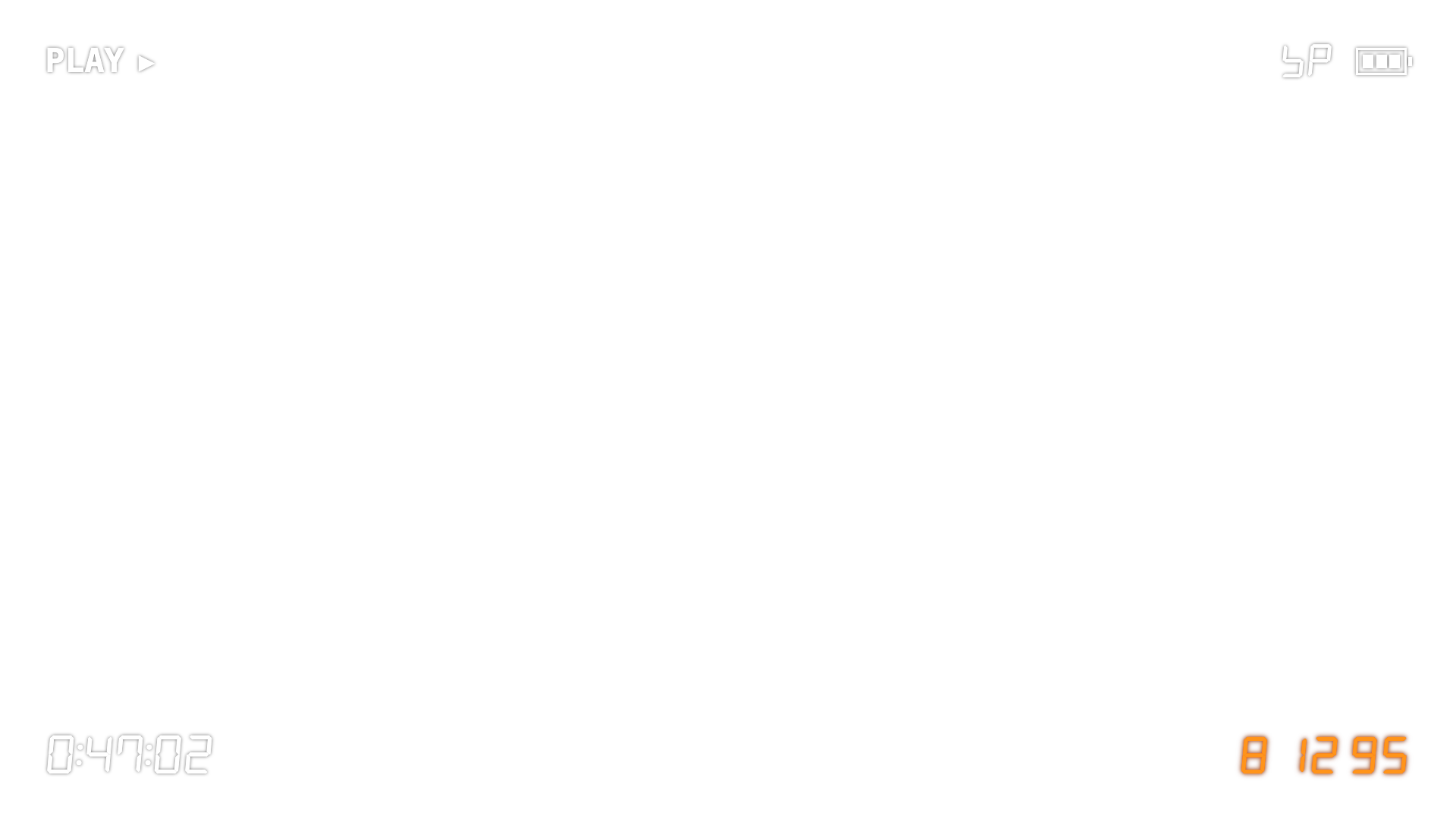
Transparent PNGs of a camcorder screen, drawn from REC's own camcorder display: the red REC dot, the battery, the tape counter and the orange seven-segment date. Put one over any clip in your editor. Free for personal and commercial videos.
Download all 10 PNGs (ZIP, 256 KB)
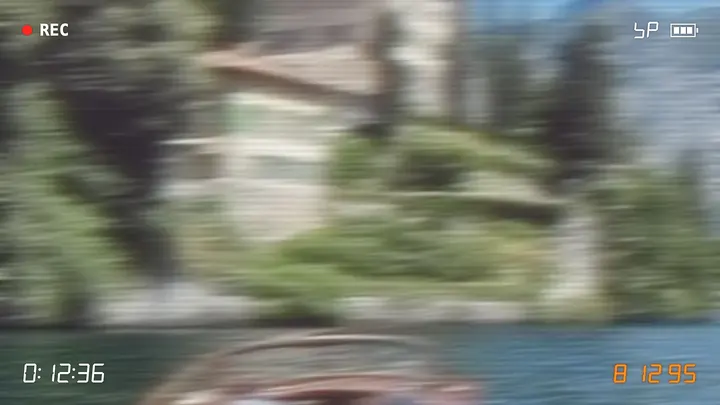
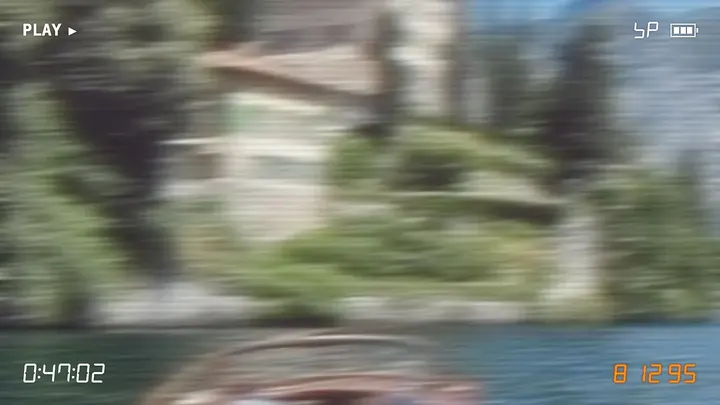
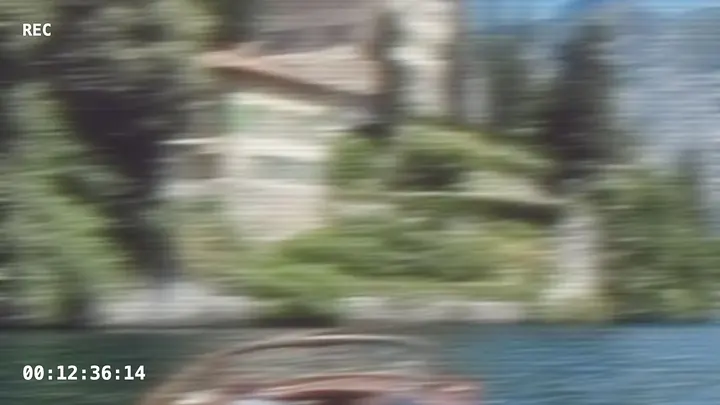
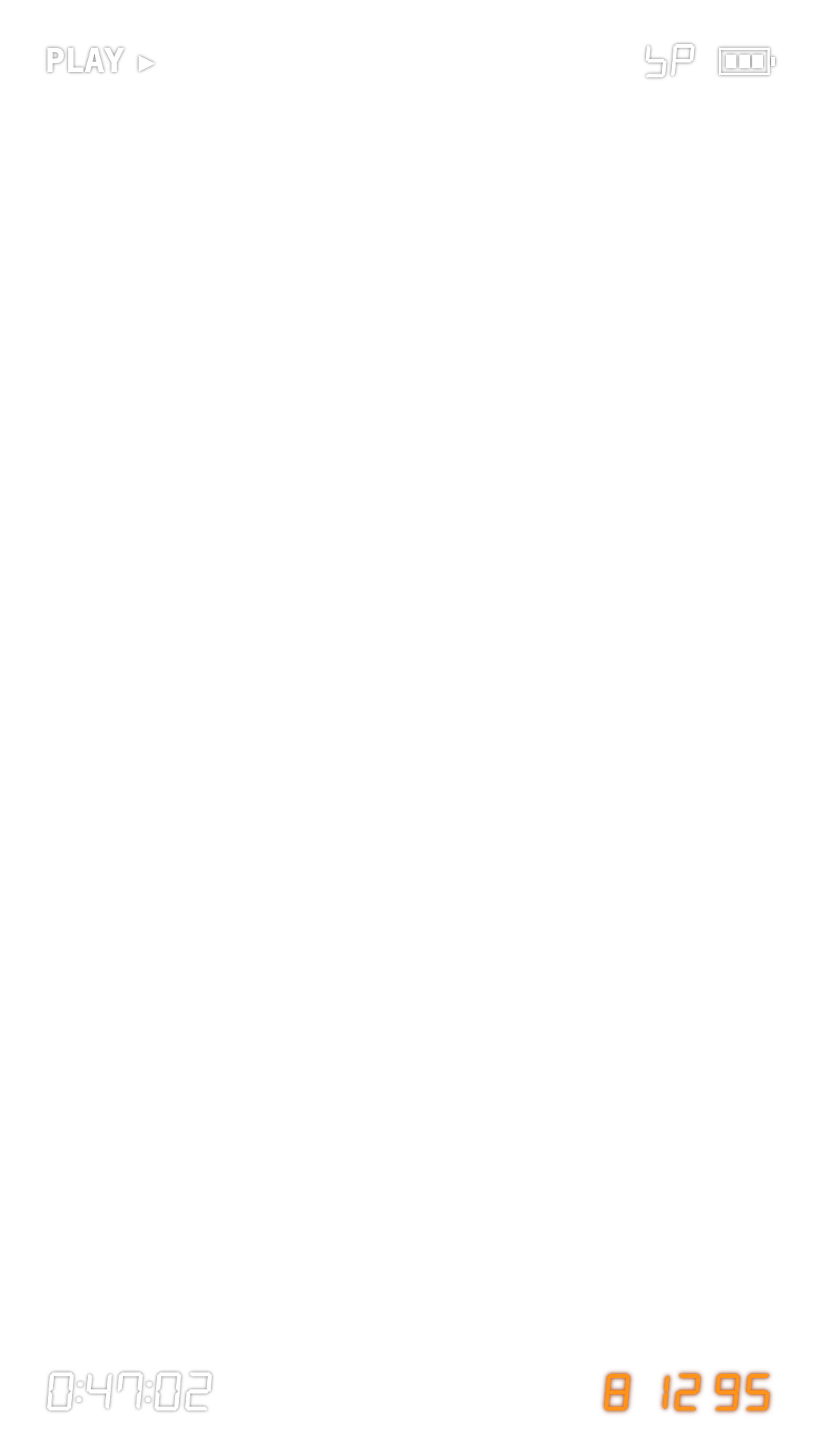



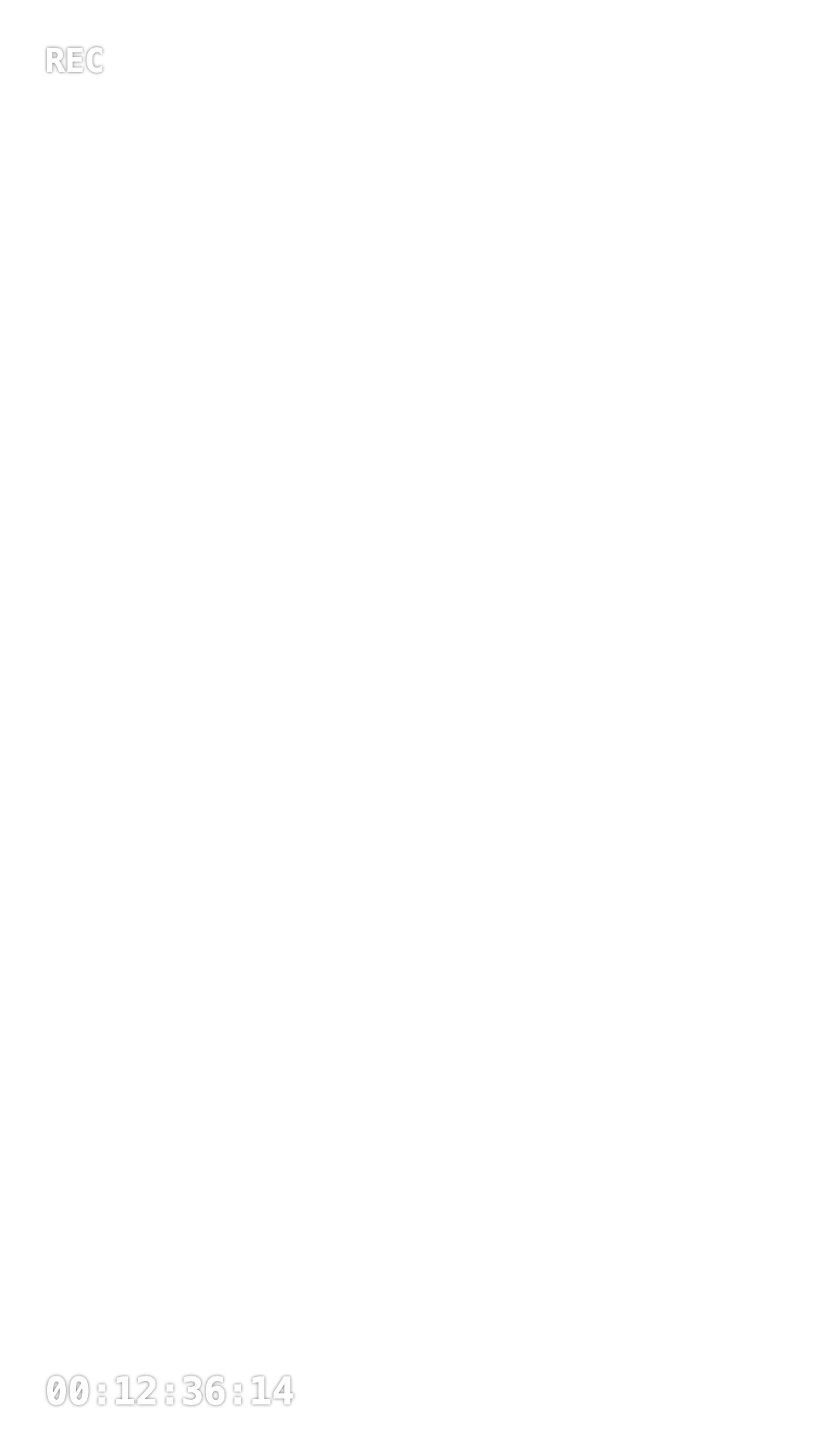

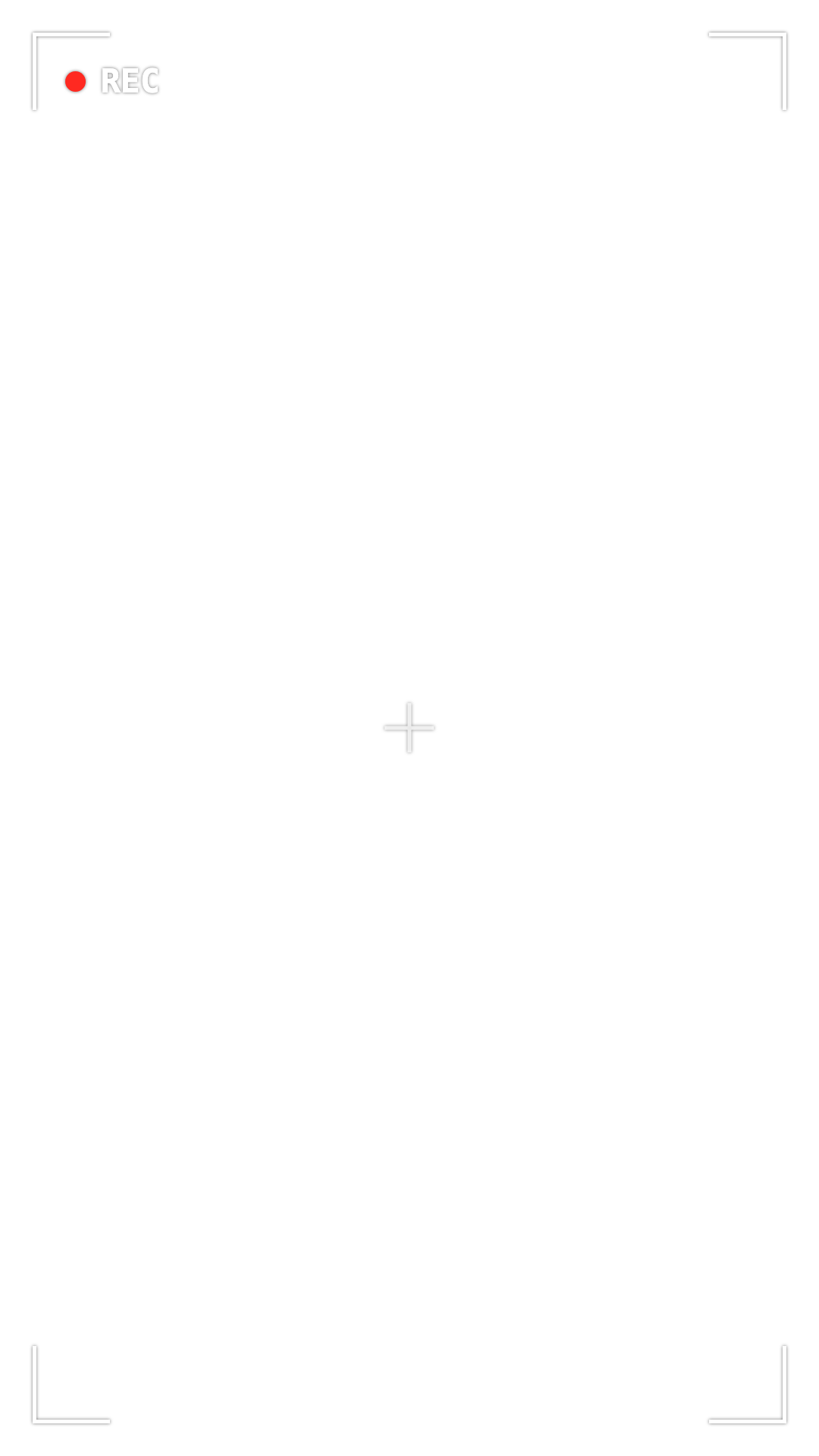
How to use them
- Download the 16:9 file for widescreen video or the 9:16 file for Reels, TikTok and Shorts.
- In your editor, add the PNG on a track above the clip and stretch it to fill the frame.
- Make the picture match. The overlay is only the screen text; a tape picture is also soft, with bleeding colour and noise. How to get the VHS look on iPhone covers that, and what resolution VHS really was explains why it looks the way it does.
FAQ
Are these overlays free to use?
Yes, for personal and commercial videos, with no attribution needed. Please do not resell the files themselves as an overlay pack.
How do I put a PNG overlay on a video?
In any editor that supports image overlays (CapCut, LumaFusion, DaVinci Resolve, Premiere Pro, Final Cut Pro), put the PNG on a track above your clip and stretch it to fill the frame. The transparent areas let the video show through.
Which size should I use?
Landscape (1920x1080) for 16:9 video, portrait (1080x1920) for Reels, TikTok and Shorts. Both scale down cleanly to 720p.
Why does my video still not look like VHS?
The screen text is only part of it. A VHS picture is also soft from side to side, with colour that bleeds past edges, noise and a tear at the bottom, and the sound has hiss. Our guide to getting the VHS look on iPhone covers the rest.
Does REC add the REC indicator to my videos?
No. In REC the blinking REC is shown while you film but is never printed into the saved video. REC can print the date stamp, the battery corner and the tape counter, each behind its own switch. If you want the blinking REC in an edit, use one of these PNGs.