Fun · PXL toy camcorder effect
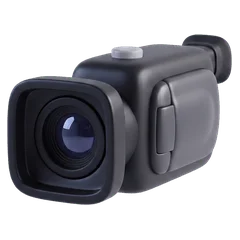
PXL
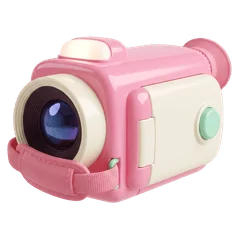
B&W toy camcorder on cassette
Ninety-odd lines of harsh black and white, whites glowing, blacks gone, everything flickering at 15 frames a second.
Based on The 1980s toy camcorder that recorded video onto an audio cassette.
- Frame rate
- 15 fps
- Resolution
- 20%
- Frame
- 4:3
- Sound
- Mono tape
PXL's viewfinder in REC.
The picture
- Black and white at a fifth of the resolution
- 15 frames per second with flicker
- Blown highlights and a heavy vignette
The sound
The other track of the same audio cassette: mono, 250 Hz to 3.8 kHz, worse than Super 8.
- Band
- 250 Hz – 3.8 kHz
- Hiss
- 50%
- Wow · flutter
- ±15 · ±9 c
The display
None. This camera shows a clean frame.
PXL in REC: questions
How do I get the PXL look on iPhone video?
Open REC, pick PXL from the camera strip and press record. The look runs live in the viewfinder at 15 frames per second, so what you frame is what you get. You can also import a video you already shot and develop it through PXL.
Does the PXL camera change the sound?
Yes. The other track of the same audio cassette: mono, 250 Hz to 3.8 kHz, worse than Super 8.
Is PXL free in REC?
Every camera, PXL included, is in the free download, and your first take is free. Unlimited takes need REC Pro ($9.99 a year or $2.99 a week, US prices).
Guides
How to get a real VHS look on iPhone video The best VHS camcorder apps for iPhone in 2026